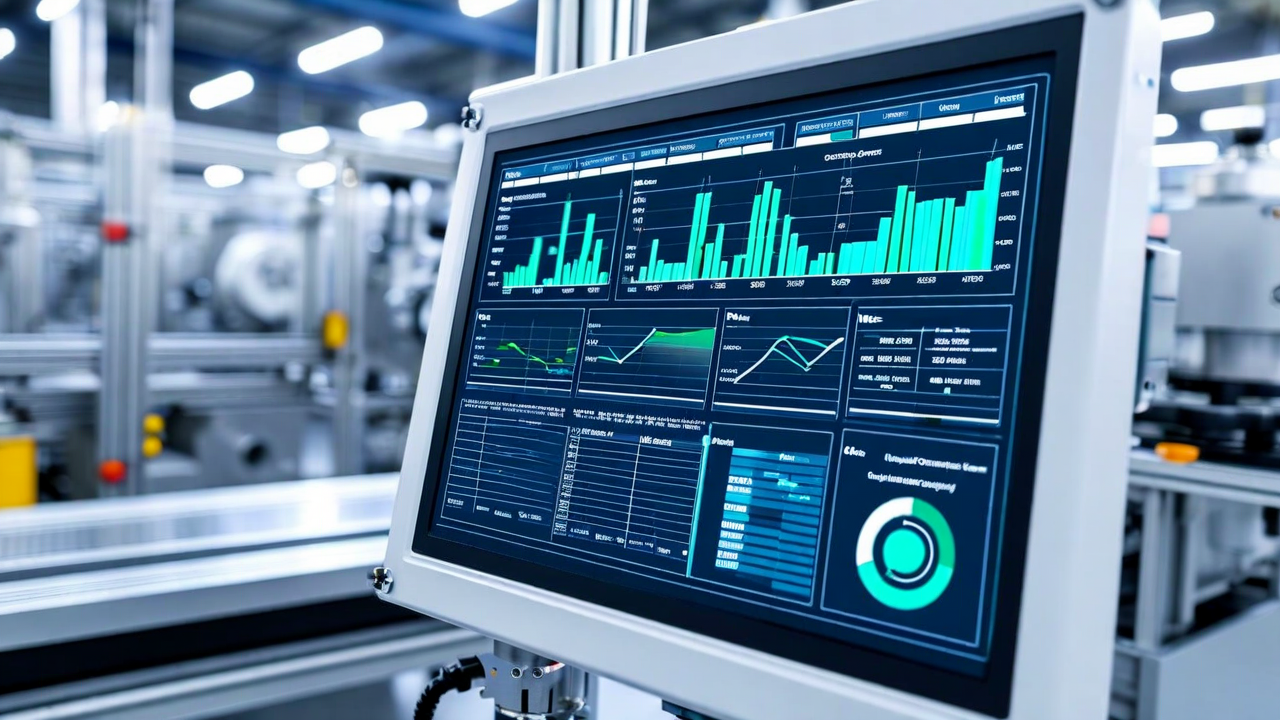
An inspection system that issues pass/fail decisions and logs them locally is a quality gate. An inspection system connected to your MES and ERP is a quality intelligence layer. The difference is whether the data does anything beyond sitting in a file.
Most manufacturers who have deployed automated inspection are operating in the first mode. The inspection hardware and software work. The results are captured. And then an engineer downloads a CSV at the end of the week to build a Pareto chart that tells them what happened seven days ago. The integration work to connect inspection data to production systems in real time is often deferred because it feels like an IT project rather than a manufacturing project. It is both. And doing it pays back in faster response times and tighter process control.
What MES Integration Enables
A manufacturing execution system tracks work orders, job status, material lot assignments, and production counts. When your inspection system feeds results to the MES in real time, several things become possible that are otherwise manual or delayed.
Quality hold placement on specific lot numbers can happen automatically. If the inspection system detects a cluster of identical defects - same defect morphology, same location on the part - within a 15-minute window, that pattern indicates a process change rather than random variation. The MES can be triggered to place a material hold on all parts from that work order segment and generate a nonconformance report without human intervention. Without integration, someone notices the cluster in the end-of-shift report and manually traces the work order number. That gap is typically 8-12 hours.
Production count reconciliation is another straightforward win. The MES tracks planned versus actual production. The inspection system tracks parts inspected and parts rejected. Reconciling these two counts - ensuring that parts rejected by inspection are correctly subtracted from shipped quantities and the MES reflects accurate finished goods inventory - requires either integration or manual reconciliation. Manual reconciliation introduces errors, particularly when production spans multiple shifts.
ERP Integration and Traceability
ERP systems manage customer orders, supplier lot tracking, and cost allocation. Quality data from inspection connects to ERP primarily through two mechanisms: lot traceability links and quality cost recording.
Lot traceability means that the raw material supplier lot used for a production run is connected to the inspection results for that run, which is connected to the finished goods lot shipped to the customer. When a customer reports a defect in the field, the traceability chain allows you to identify the production date, the raw material lot, and whether the inspection system detected similar defects in that batch. This is standard requirement in automotive (IATF 16949), medical devices (ISO 13485), and aerospace manufacturing. Assembling this traceability record manually from inspection logs and ERP records is a hours-long exercise. Proper integration makes it a two-minute query.
Quality cost recording - charging scrap and rework costs to the specific work order that generated them - requires inspection rejection data to flow back to ERP with work order identifiers. Without this connection, quality costs accumulate in a general overhead account and do not trace back to the product family, production line, or tooling condition that caused them. That makes cost-of-quality analysis difficult and gives management misleading information about which products are actually profitable after quality costs are properly allocated.
Integration Architecture
Most MES and ERP platforms support API-based integration through REST or OPC-UA interfaces. OPC-UA is the industrial automation standard and is available on most modern SCADA, MES, and vision system platforms. REST APIs are more common in ERP environments (SAP, Oracle, Microsoft Dynamics). Either approach supports bidirectional data flow: inspection results push to MES/ERP, and MES/ERP can push work order context (part number, revision, production order ID) back to the inspection system for logging and model selection.
Legacy MES platforms that predate API-based integration may only support flat-file exchange - the inspection system writes results to a shared network folder in a defined format, and the MES polls that folder. This is less elegant than API integration but functional. It does introduce latency (typically 30-120 seconds versus near-real-time for API) and requires file format agreement between the two systems.
The integration project requires involvement from both OT (operations technology / automation) and IT teams. OT owns the inspection system and the MES in most manufacturing organizations. IT owns the ERP and the network infrastructure. These groups do not always work well together, and the integration project is often where the project stalls. Assigning a single technical lead with authority over both sides of the boundary significantly improves project velocity.
Data Volume and Retention
A single inspection station generating 3,000 inspections per shift with images produces 1-4 GB of raw image data per shift depending on image resolution and compression. Three shifts per day, 250 days per year: 750 GB to 3 TB per station per year. That is a data volume that needs an explicit retention and storage architecture before deployment, not after.
Not all of this data needs to be retained indefinitely. Passed-inspection images for common part families have limited analytical value after 30 days unless a field quality issue surfaces. Rejected parts and borderline cases are worth retaining longer - 12-18 months minimum, or the duration of your customer quality record retention requirement. Define retention policies by data class before the storage fills up, because cleaning it up reactively is significantly more difficult.
Planning an inspection system that needs to connect to your MES or ERP?
We have integration experience with SAP, Oracle, Plex, Epicor, and custom MES platforms. Talk to us before you finalize the architecture.
Discuss Integration Requirements